PPPoker account settings: profile, security, notifications and language
4 min read
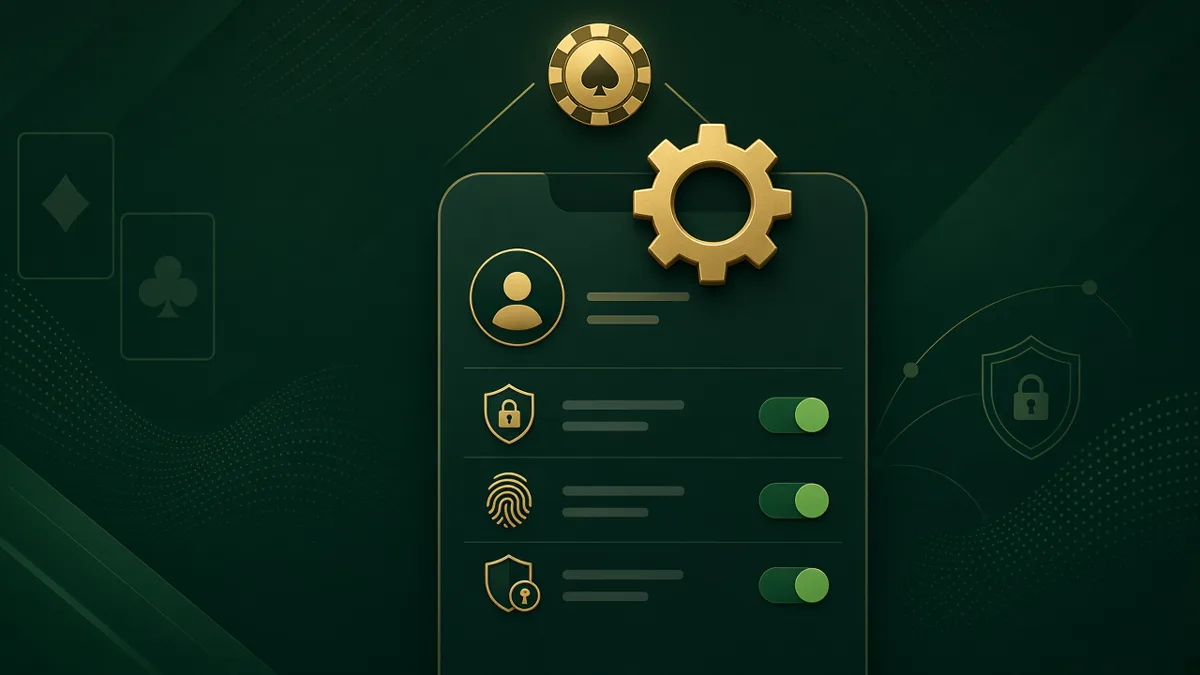
Before you sit at your first table in Grand Club (Club ID 1074072), spend five minutes in PPPoker account settings. Profile details, security, notifications and language affect every session — and mistakes here cause join delays, missed alerts from @grandppuzbot and confusion at the cashier where chips settle at 1 chip = $1. This guide walks through each settings screen in the order new members actually need them.
Opening account settings
From the PPPoker home screen, tap the profile avatar in the top corner. The account menu shows your nickname, UID and quick links to Wallet, Settings and Security. On Android and iOS the layout is identical; on the Windows client, settings sit under the gear icon in the title bar.
Settings are global to your PPPoker account, not per club. Changing language or password applies everywhere you log in, including Grand Club ID 1074072. Club-specific options — such as chip requests — live inside the club lobby or through official Telegram channels, not in the main account menu.
If you cannot find Settings because the app is in an unfamiliar language, look for the gear icon. Grand publishes onboarding guides in English, Russian, Portuguese, Spanish, Uzbek and Filipino to match the six supported interface languages.
Profile, avatar and nickname
Tap Profile to edit your display name, avatar image and optional signature line. Choose a nickname opponents will recognise across union tables — changing it too often confuses regulars and support staff reviewing hand disputes at @Grand_Poker_Reception.
Avatar uploads must meet PPPoker size limits; offensive images trigger automatic rejection or club bans. Your UID is permanent and appears in hand histories — agents use it alongside your nickname when processing deposits through @grandppuzbot.
Grand Club does not require real-name display at the table, but your agent may ask for verification before first withdrawal. Keep profile information consistent with what you submitted during club application approval.
- •Profile → Nickname, avatar, optional signature
- •UID is permanent — cite it in support tickets
- •Avoid offensive avatars — club policy violations
- •Match profile details to your Grand application
Security: password, binding and two-factor
Under Security, change your login password and bind a phone number or email for account recovery. PPPoker supports SMS verification in most regions; if SMS fails, email binding is the fallback. Never share your password with agents — legitimate Grand staff never ask for it.
Device binding limits how many phones or PCs can stay logged in simultaneously. If you switch devices, unbind the old one in Security before logging in elsewhere to avoid forced logouts mid-session. Two-factor authentication, when available in your region, adds a code step on new device logins.
Phishing is common in club poker. Only download PPPoker from official stores or the verified Windows installer. @grandppuzbot and @Grand_Poker_Reception will never DM you a login link asking for credentials.
Notifications and alerts
Notification settings control push alerts for club approvals, tournament starts, friend requests and promotional messages. Enable club and tournament alerts if you register MTTs in Grand Club — late registration windows are short on mobile.
Disable marketing notifications if they distract during multi-table sessions. Critical cashier messages from Grand arrive through Telegram (@grandppuzbot), not PPPoker push, so keep Telegram notifications on for deposit confirmations and rakeback statements.
Sound and vibration toggles are separate from push permissions. Table-level sounds (bets, fold alerts) are configured at the table gear icon, not in global account settings.
- •Enable tournament and club alerts for MTT players
- •Cashier updates come via Telegram — not PPPoker push
- •Table sounds: gear icon at the table, not account menu
- •Mute marketing pushes during focused sessions
Language and linking Grand Club
Settings → Language switches the entire interface. Grand supports members in Russian, Portuguese, Spanish, Uzbek, English and Filipino — matching the app to your reading language reduces errors when confirming buy-ins at 1 chip = $1.
After language setup, join Grand Club by entering Club ID 1074072 and your Referral ID in the club search screen. Account settings do not contain Club ID fields; club membership is a separate flow from profile configuration.
Once approved, link @grandppuzbot in Telegram for deposits, withdrawals and weekly 60% rakeback reports. @Grand_Poker_Reception handles join issues and table disputes. Correct account settings plus official channels keep your first session smooth.
Frequently Asked Questions
Does changing language affect my chip balance?
No. Language is display only. Your Grand Club wallet stays the same at 1 chip = $1.
Where do I enter Club ID 1074072?
Club search on the PPPoker home screen — not inside account Settings.
Can agents reset my password?
No. Use Security → Forgot password or bound email/SMS. Grand agents never need your password.
Why am I not getting deposit confirmations?
Deposit alerts come through @grandppuzbot on Telegram, not PPPoker push notifications.
Configure your PPPoker profile, password, two-factor security, push alerts and app language before your first session at Grand Club ID 1074072.